Set up a team
1
Create the team
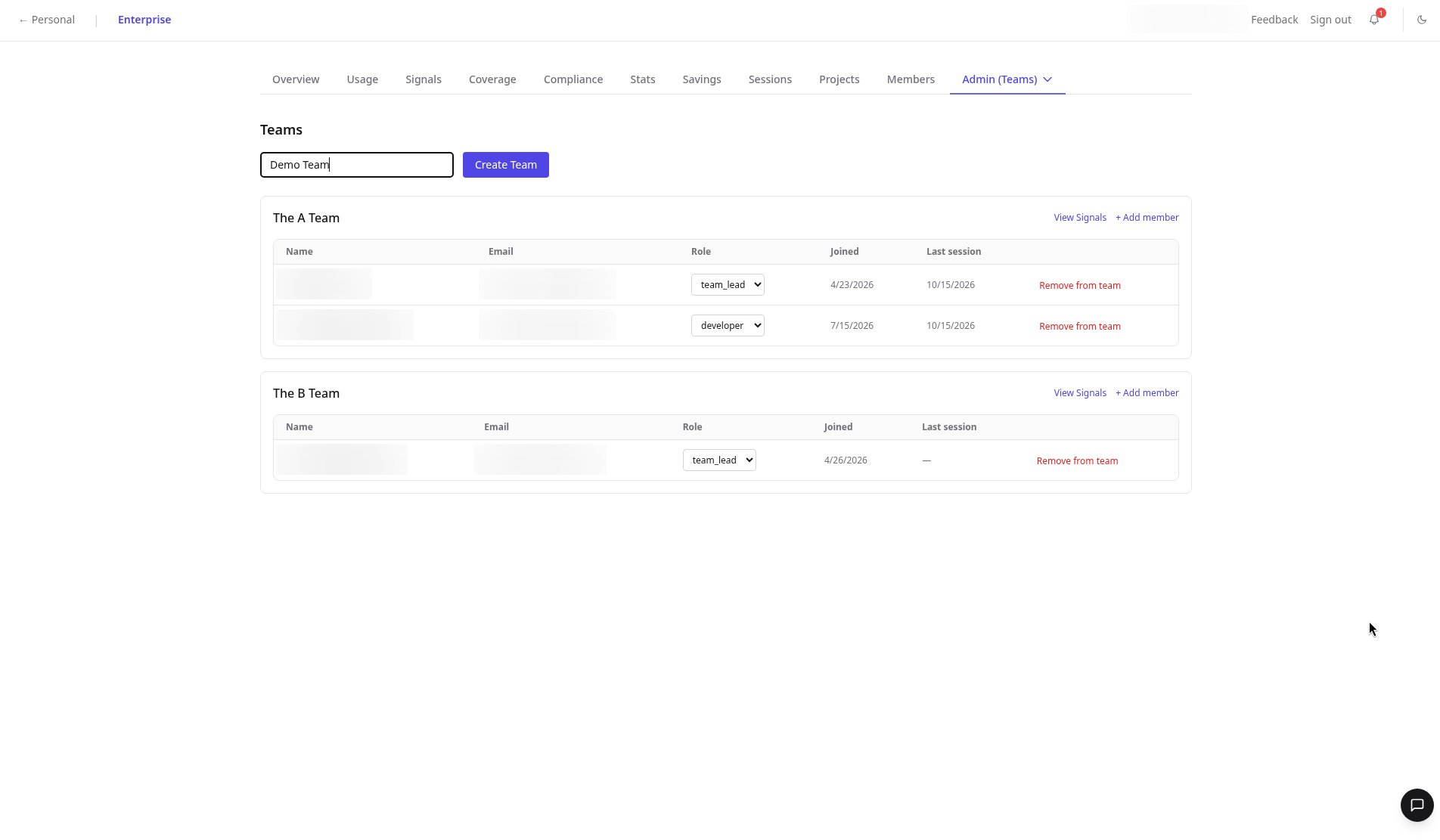
At the top of the Teams page, type a name in the inline field and click Create Team.
2
Add a member
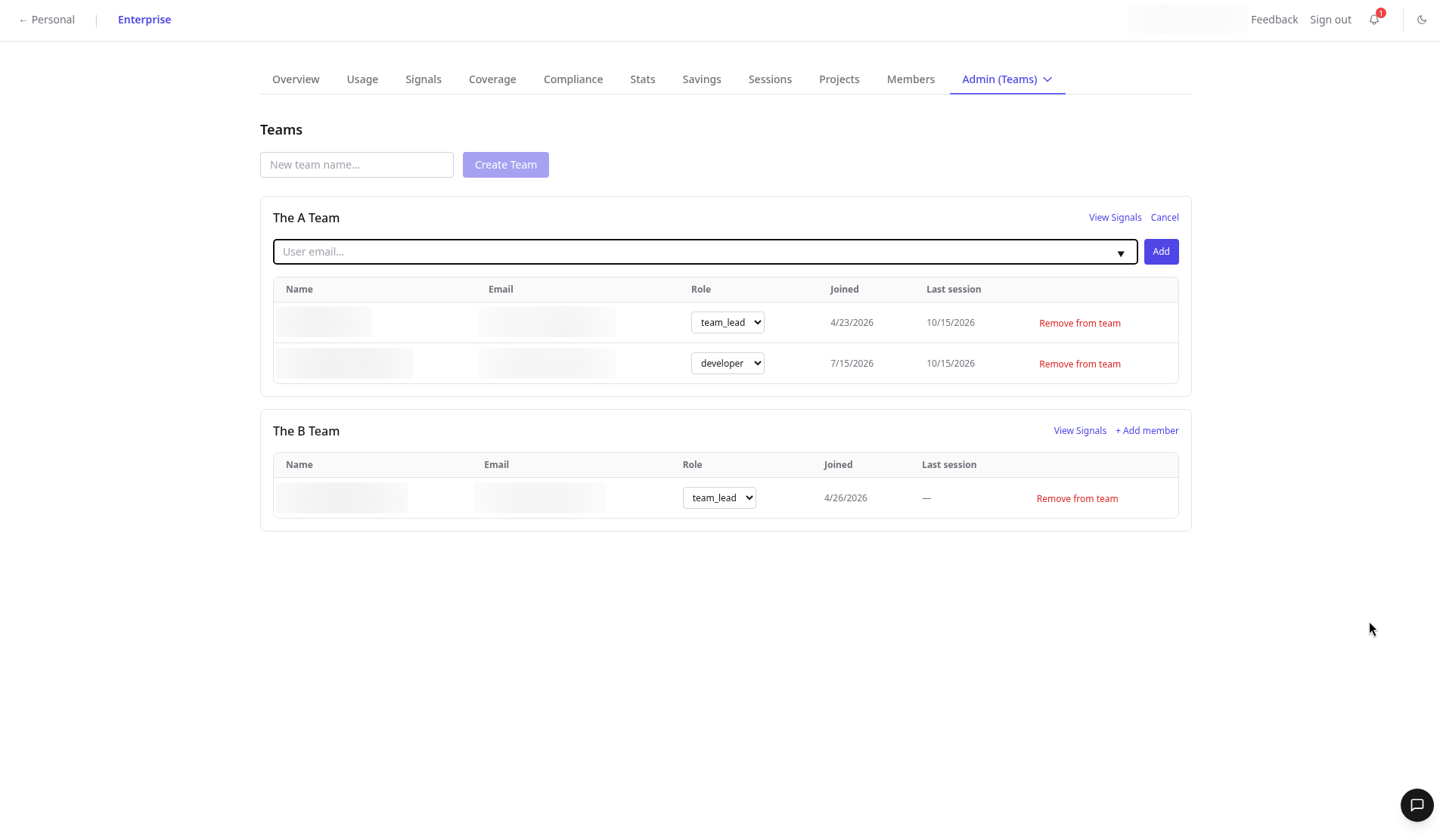
On the team’s card, click Add member, enter the teammate’s email, and click Add.
3
Adjust their role
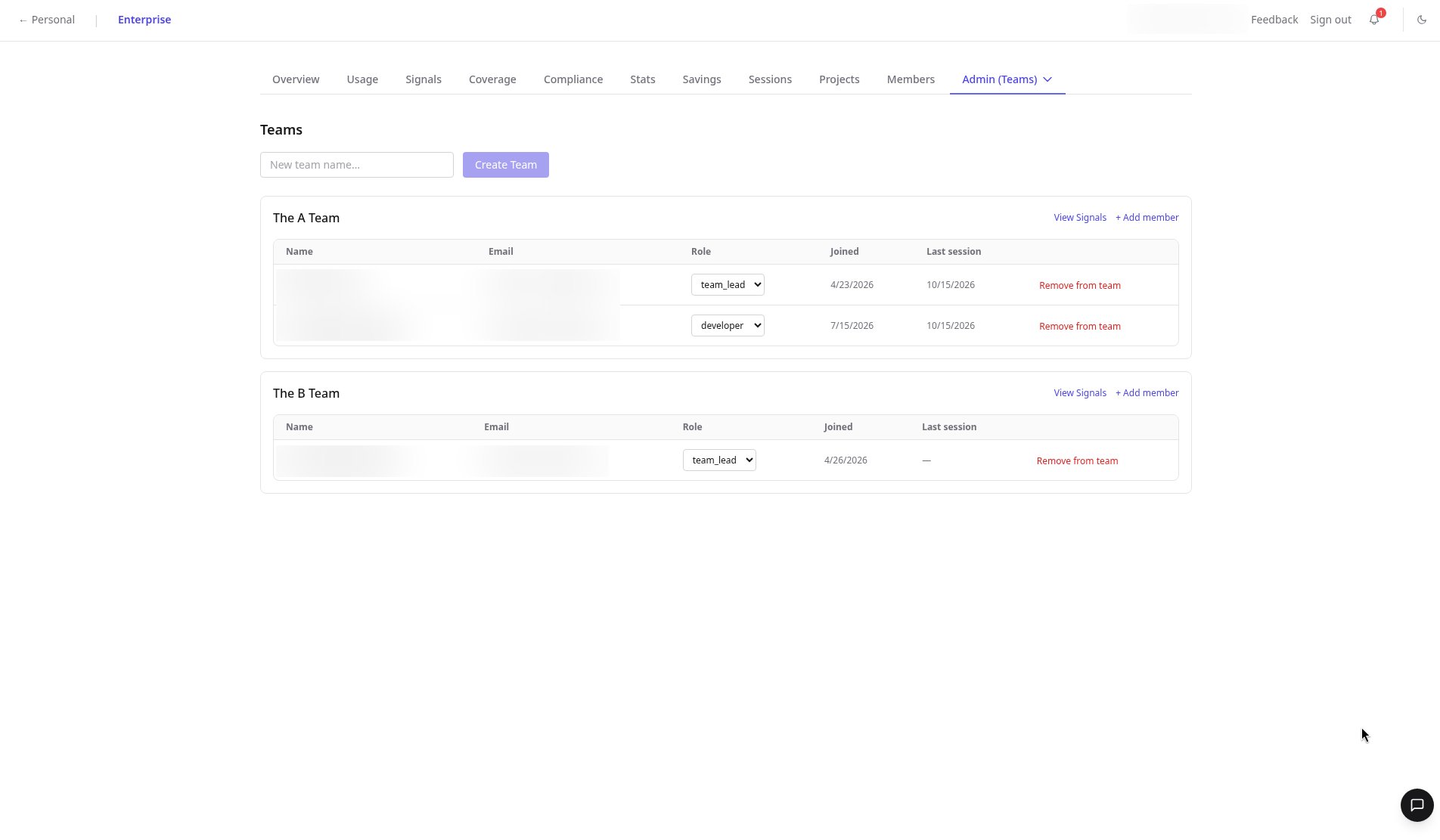
The add form has no role selector. Change the role afterwards from the Role dropdown on the member’s row.
4
Open team Signals
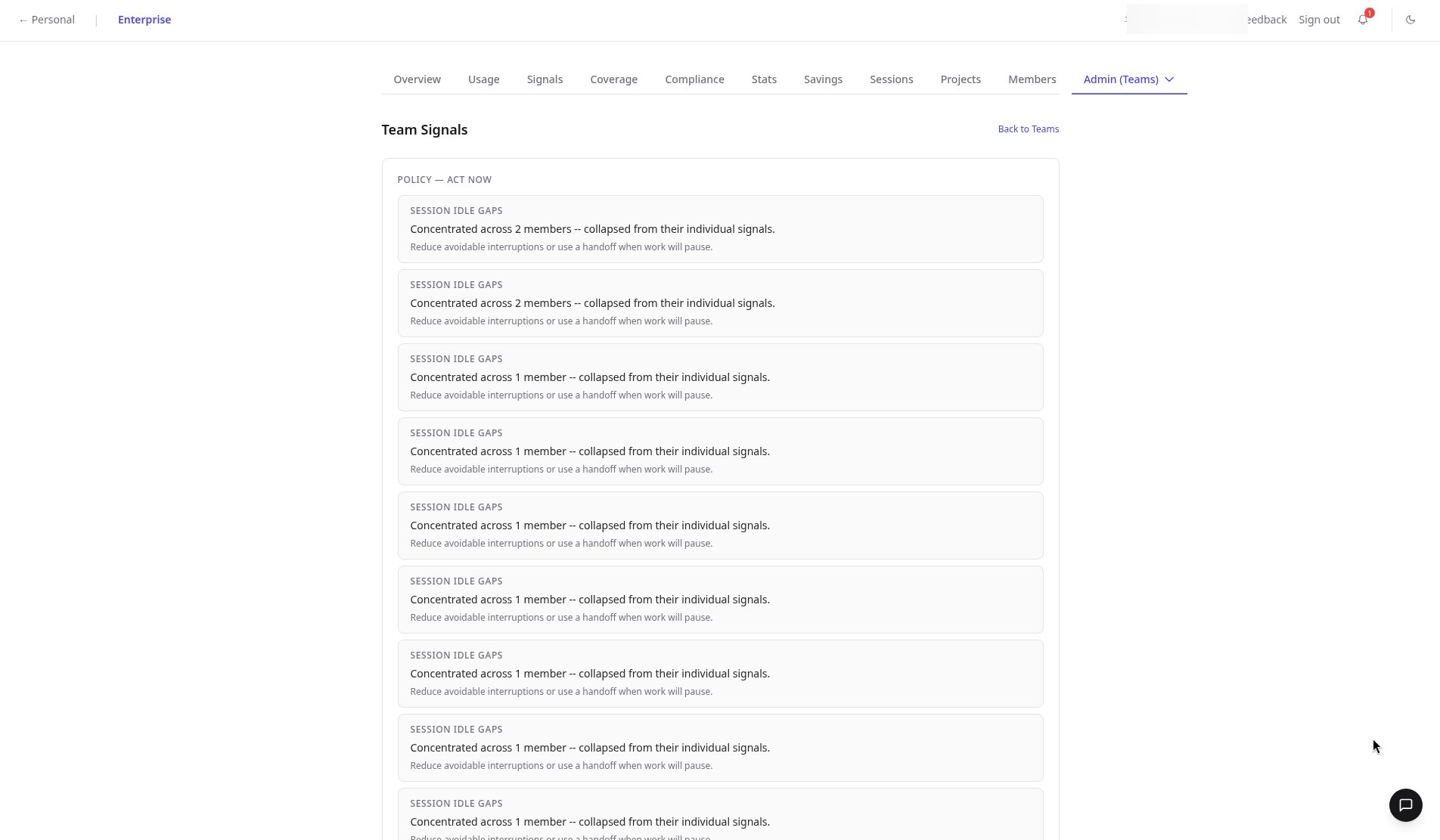
Click View Signals to see issues concentrated in that team, or a clean empty state when there’s nothing to act on.
FAQ
Can I set a role when adding a member?
Can I set a role when adding a member?
Not in the add form. Add the member by email, then change their role from the Role dropdown on their row.
What does an empty team Signals view mean?
What does an empty team Signals view mean?
Nothing is concentrated in that team, so no action is needed.
Can I remove someone from a team?
Can I remove someone from a team?
Yes. Use Remove from team on the member’s row.
Related
- Reference: Teams tab
- Product: Enterprise overview